UI & Controls Guide
Lobby & Game Creation
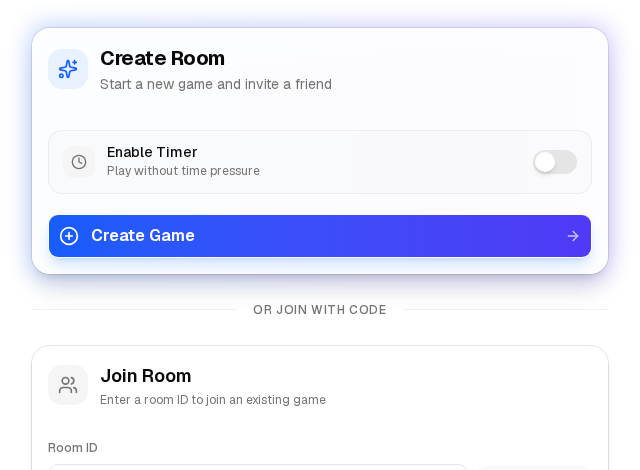
On the main page, you can either create a new room or join an existing one using a 6-character Room ID. You can select 'Online' or 'Local' hotseat mode.
Timer Settings: When creating a room, you can enable a chess clock. Set the 'Initial Time' (minutes each player gets) and 'Increment' (seconds added to your clock after every move).
In-Game Interface
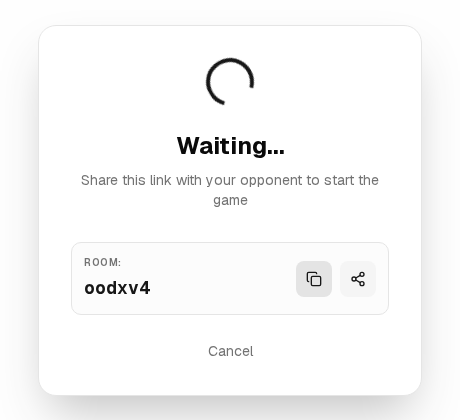
Inviting a Friend: Click the 'Copy Invite Link' button at the top of the room to share the URL with your opponent.
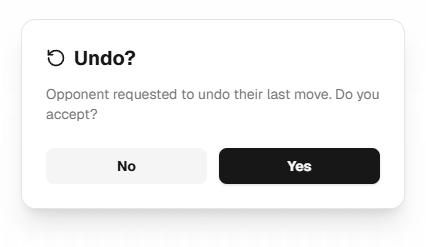
Undo Move: If you make a mistake, click 'Undo'. Your opponent must approve the undo request.
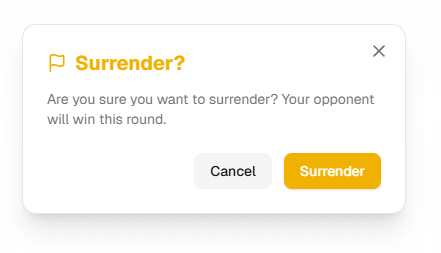
Surrender & Rematch: You can concede the game early by clicking 'Surrender'. After a game ends, click 'Rematch' to start a new round in the same room.
Settings & Controls
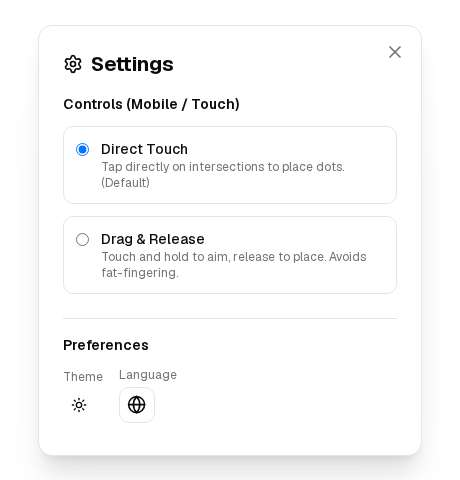
Direct Touch: Tap directly on a grid intersection to place a dot. Best for tablets.
Drag & Release: Touch the screen anywhere and drag to move a virtual cursor. Release your finger to place the dot. Highly recommended for small phone screens to prevent misclicks.
Theme & Language: You can switch between light, dark, or system themes and change the interface language anytime from the header bar or in-game settings.